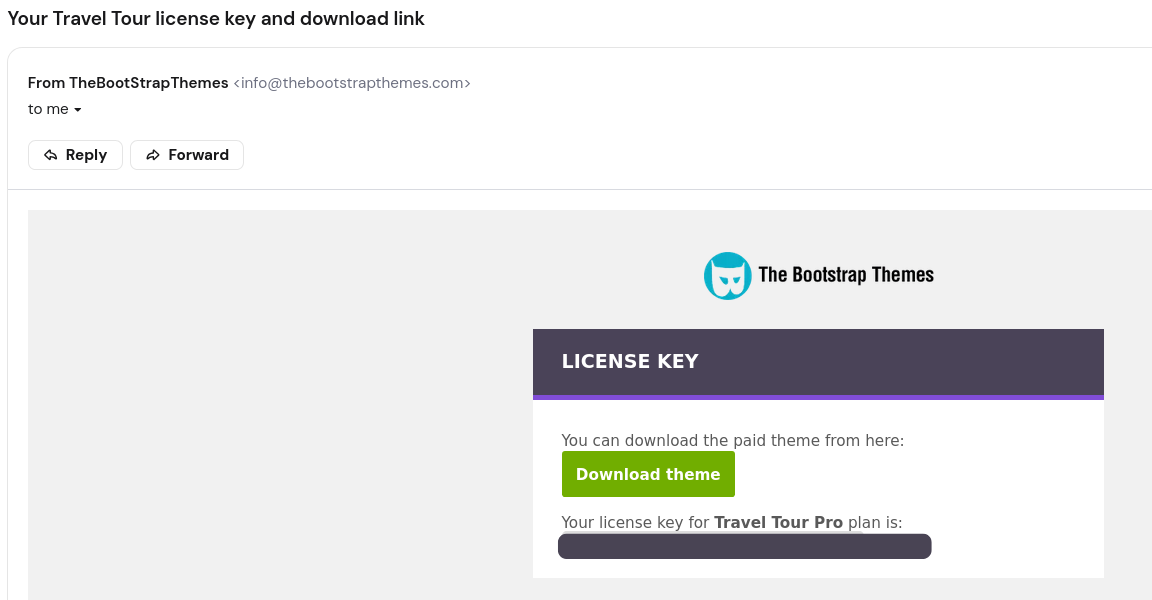
When you purchase a pro theme, you should receive an automated email from info@thebootstrapthemes.com that contains your license key and a theme download link.
I haven’t received any email, what now?
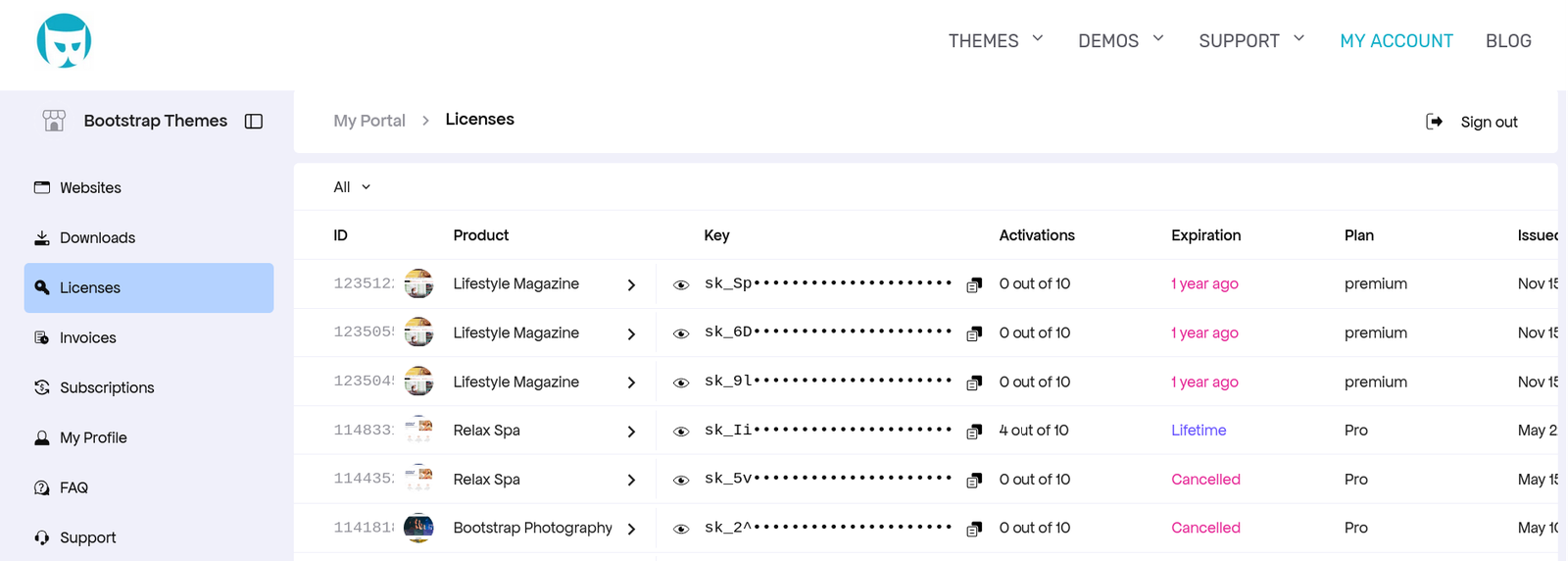
Don’t worry! You can easily get your license key from the Account page. Just log in with the email you used when you purchased the theme.
Once logged in, the dashboard shows “Licences” tab with your license keys:
I’ve found the license key — where do I enter it?
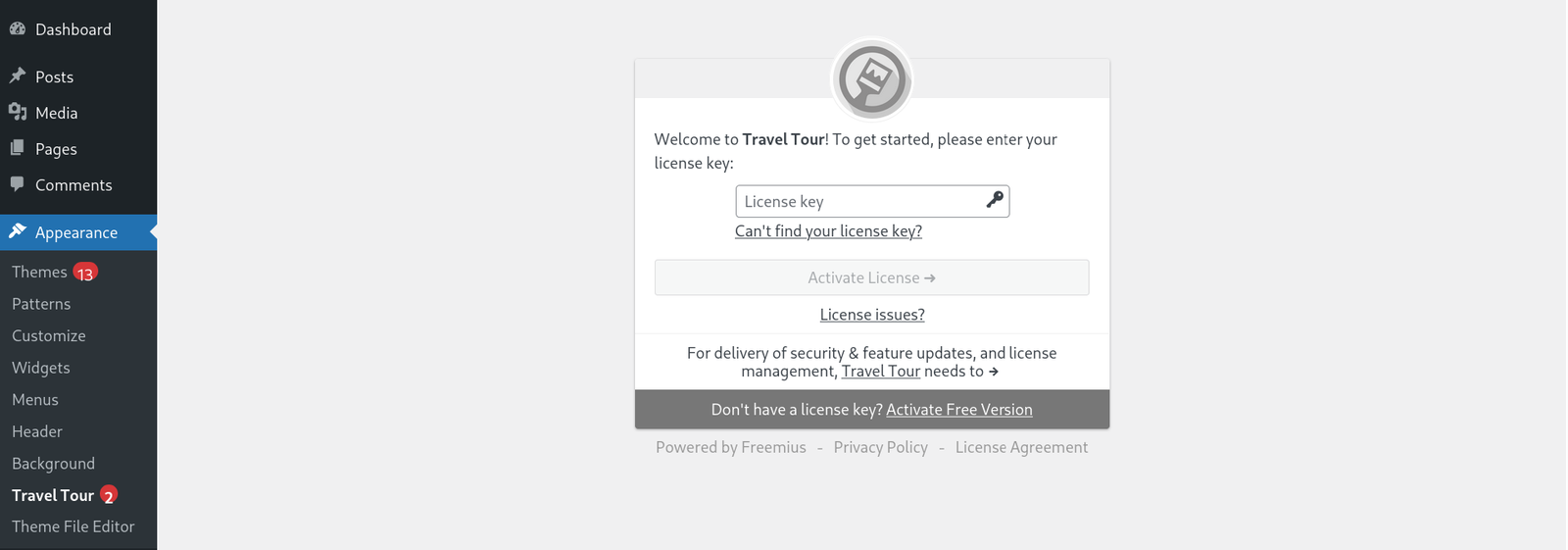
Once you import the .zip theme file in your WordPress Dashboard, you will be able to enter the license key in the Appearance -> <theme name> section: