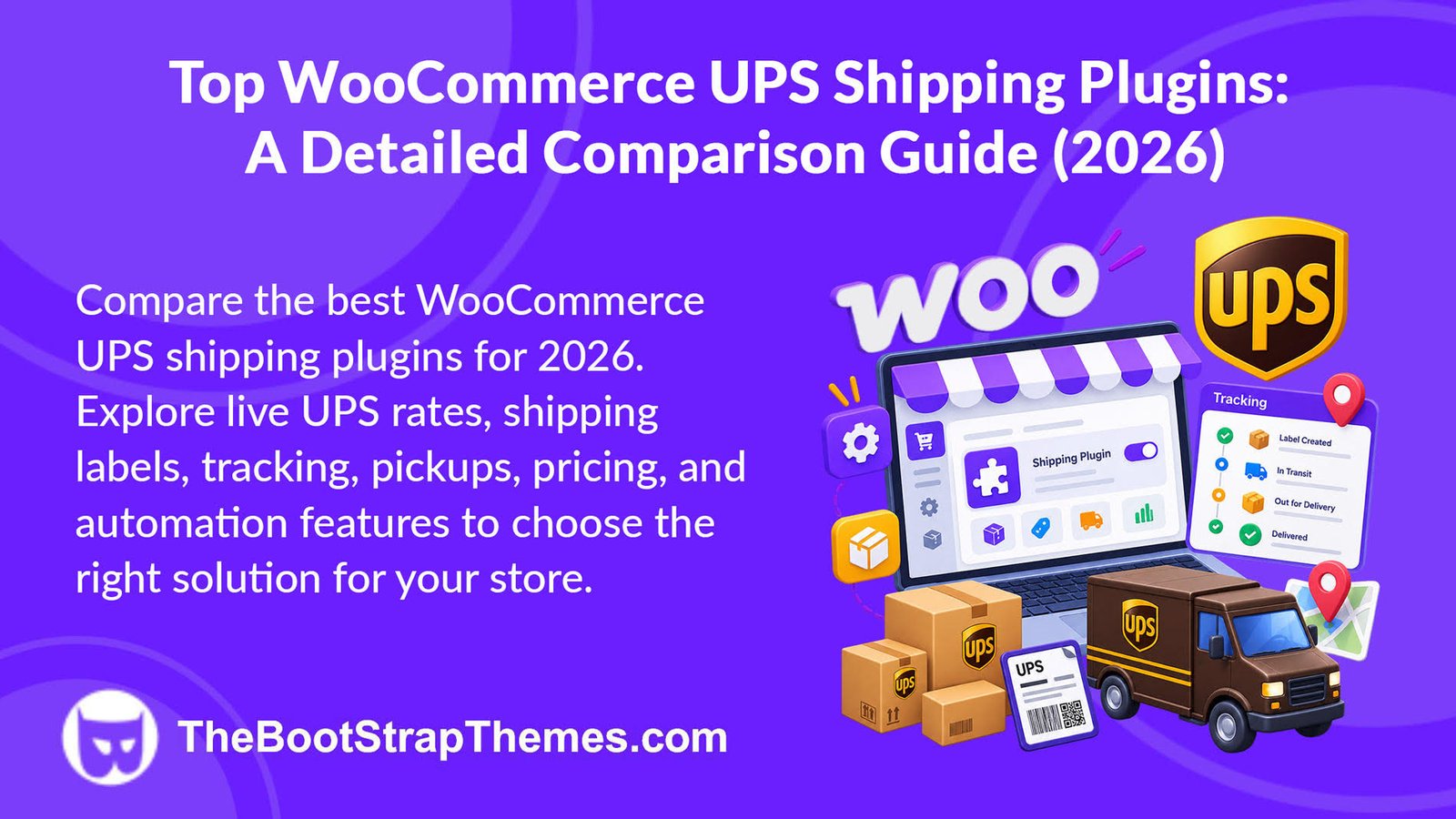
If UPS is your preferred shipping carrier, choosing the right WooCommerce UPS shipping plugin can make order fulfillment faster, more accurate, and easier to manage. From displaying live shipping rates at checkout to generating shipping labels, sharing tracking updates, and handling international shipments, the right plugin can automate much of your shipping workflow.
However, not every plugin offers the same capabilities. While some focus on displaying real-time shipping rates, others include advanced features such as shipping label generation, pickup scheduling, address validation, shipment tracking, and international shipping support.
In this guide, we’ll answer the most common questions merchants ask before choosing a WooCommerce UPS shipping plugin, explain the features that matter most, and compare some of the leading solutions to help you make an informed decision.
Does WooCommerce Support UPS Shipping Out of the Box?
No. WooCommerce does not natively support UPS shipping integration. By default, it only offers basic shipping methods like Flat Rate, Free Shipping, and Local Pickup. To display real-time UPS shipping rates, print shipping labels, provide tracking updates, or automate UPS shipping workflows, you’ll need a WooCommerce UPS shipping plugin that integrates with the UPS API.
What’s the Difference Between the Official WooCommerce UPS Plugin and Third-Party Plugins?
Not all UPS shipping plugins provide the same level of functionality.
The official WooCommerce UPS Shipping Method extension primarily focuses on displaying real-time UPS shipping rates during checkout. For merchants who only need accurate shipping costs, this may be sufficient.
Many third-party plugins, however, go beyond rate calculation by offering additional capabilities such as shipping label generation, shipment tracking, pickup requests, packaging rules, customs documentation, negotiated rates, and bulk shipment processing.
Rather than simply connecting WooCommerce with UPS, these plugins aim to automate day-to-day shipping tasks, helping merchants reduce manual work and improve operational efficiency.
The right choice ultimately depends on your shipping workflow. Stores with straightforward requirements may only need live shipping rates, while businesses processing larger order volumes often benefit from a more comprehensive shipping solution.
Are Free WooCommerce UPS Shipping Plugins Enough?
Free plugins can be a good starting point for new WooCommerce stores with basic shipping requirements. They often provide limited functionality, such as displaying shipping methods or offering simple UPS integrations.
However, as order volumes increase, many merchants require additional features that free plugins typically don’t include. These may include shipping label generation, shipment tracking, negotiated UPS rates, pickup scheduling, customs documentation, and bulk shipment processing.
If your business relies heavily on UPS for fulfillment, investing in a premium WooCommerce UPS shipping plugin can reduce manual work, improve shipping accuracy, and save valuable time in the long run.
Rather than choosing a plugin based solely on price, evaluate whether its features align with your current shipping workflow and future business growth.
What Should You Look for in the Best WooCommerce UPS Shipping Plugin?
Choosing the right WooCommerce UPS shipping plugin isn’t just about the number of features. The best plugin should simplify your shipping workflow, integrate reliably with UPS, and offer long-term value. When comparing the plugins in this guide, we evaluated them based on the following criteria:
- UPS API Integration: Reliable connection with UPS for accurate rates and shipping services.
- Shipping Automation: Support for labels, tracking, pickups, and bulk order processing.
- Ease of Setup: Simple installation, configuration, and user-friendly interface.
- International Shipping: Support for global UPS services and customs documentation.
- Pricing & Overall Value: Features and performance relative to the cost.
- Customer Support & Updates: Regular updates, WooCommerce compatibility, and responsive support.
Top WooCommerce UPS Shipping Plugins
| Plugin | UPS Integration | Automation | Setup | International | Pricing | Support |
| PluginHive UPS Shipping Plugin | Live rates, labels & tracking | Advanced | Easy | Full | $99/year | Dedicated |
| PluginHive Shipping Services | Multi-carrier (UPS+) | Advanced | Easy | Full | From $9/month | Email, Chat & Call |
| WooCommerce UPS Shipping Method | Live rates | Basic | Very Easy | Yes | $109/year | Official Woo |
| Octolize UPS Plugin | Live rates & Access Points | Moderate | Easy | Good | $79/year | Premium |
| WooCommerce Shipping Pro for UPS | Live rates | Advanced | Easy | Yes | From $39 | Standard |
| PluginHive Multi-Carrier Plugin | UPS + Multiple Carriers | Advanced | Moderate | Full | $99/year | Dedicated |
1. WooCommerce UPS Shipping Plugin with Print Label (Our Best Pick)
WooCommerce UPS Shipping Plugin with Print Label by PluginHive is a powerful WooCommerce UPS shipping plugin that integrates your UPS account with WooCommerce to simplify shipping management. Designed for businesses of all sizes, it centralizes fulfillment tasks and supports both domestic and international shipping, helping merchants streamline their shipping operations.
Key Features:
- Displays real-time UPS shipping rates at checkout using package details and delivery destination.
- Creates and prints UPS shipping labels individually or in bulk from the WooCommerce dashboard.
- Automatically sends UPS tracking numbers and shipment notifications to customers via email.
- Supports UPS pickup requests, UPS Access Point delivery, and UPS SurePost services.
- Handles international shipping with commercial invoices, customs documents, and electronic export information (EEI).
- Offers flexible packing methods, negotiated UPS rates, insurance support, and UPS Simple Rate integration.
Pricing:
Starts at $99/year for a single-site license, including one year of updates and support.
2. PluginHive WooCommerce Shipping Services
WooCommerce Shipping Services by PluginHive is a cloud-based shipping platform that helps WooCommerce merchants automate fulfillment across multiple carriers. It centralizes shipping operations within the WooCommerce dashboard, making it easier to manage orders, streamline workflows, and support both single-vendor and multi-vendor stores.
Key Features
- Displays live shipping rates at checkout from carriers including UPS, FedEx, USPS, DHL, Canada Post, Australia Post, Aramex, Blue Dart, and more.
- Generates and prints shipping labels directly from the WooCommerce orders page with a single click.
- Automatically sends real-time shipment tracking updates to customers via email.
- Supports WooCommerce multi-vendor marketplaces with vendor-specific shipping rates, label printing, and tracking notifications.
- Integrates with over 25 global and regional shipping carriers through a single platform.
- Offers flexible monthly and yearly plans based on shipping volume, carrier access, and API usage.
Pricing
Starts at $9/month (or $99/year) for one carrier and up to 100 monthly shipping labels, with plans scaling to $99/month for high-volume businesses.
3. WooCommerce UPS Shipping Method
UPS Shipping Method for WooCommerce is the official WooCommerce UPS shipping plugin developed by Woo. It enables stores to retrieve live UPS shipping rates directly from the UPS Rates API, making it a suitable choice for merchants who primarily need accurate shipping quotes for domestic and international orders.
Key Features
- Displays real-time UPS shipping rates at checkout for both domestic and international shipments.
- Supports multiple UPS services, including Ground, Next Day Air, Worldwide Express, Simple Rate, and SurePost.
- Calculates shipping costs using product weights, dimensions, and custom box packing settings.
- Allows merchants to use UPS negotiated rates and apply handling fees to shipping charges.
- Integrates with WooCommerce Shipping Zones, Cart & Checkout Blocks, and High-Performance Order Storage (HPOS).
- Supports worldwide shipping with automatic unit conversion for compatible measurement systems.
Pricing
Starts at $109/year, including product updates, customer support, and a 30-day money-back guarantee.
4. Octolize UPS Shipping Plugin for WooCommerce
Octolize UPS Shipping Plugin for WooCommerce – Live Rates and Access Points PRO is a WooCommerce UPS shipping plugin that helps merchants display accurate UPS shipping rates and offer convenient pickup point delivery. It’s well suited for stores that want flexible shipping options and greater control over rate calculations at checkout.
Key Features
- Retrieves live UPS shipping rates using the latest UPS REST API based on package weight, dimensions, and destination.
- Supports multiple UPS domestic and international services, including UPS Ground Saver and UPS Access Points.
- Optimizes shipping costs with advanced box packing methods and custom packaging configurations.
- Allows rate adjustments with handling fees, discounts, negotiated rates, and delivery options.
- Displays estimated delivery dates and supports free shipping thresholds to improve the checkout experience.
- Includes multi-currency support, fallback mode, debug tools, and compatibility with conditional shipping rules.
Pricing
Starts at $79/year for a single-site license, including one year of updates, premium support, and a 30-day money-back guarantee.
5. PluginHive Multi-Carrier Shipping Plugin for WooCommerce
Multi-Carrier Shipping Plugin for WooCommerce by PluginHive is a flexible shipping solution that enables merchants to manage multiple carriers from a single dashboard. It combines real-time carrier rates with customizable shipping rules, making it ideal for WooCommerce stores that ship across different regions using multiple shipping providers.
Key Features
- Retrieves real-time shipping rates from UPS, FedEx, DHL Express, USPS, and Stamps.com at checkout.
- Creates custom shipping rules based on weight, quantity, price, shipping class, product category, and destination.
- Supports shipping zones, regional shipping areas, fallback rates, and handling fee adjustments.
- Offers flexible parcel packing methods, including volumetric weight calculations for accurate shipping rates.
- Imports and exports shipping rules via CSV and supports multi-currency shipping rate calculations.
- Compatible with Dokan multi-vendor stores and supports carrier-specific shipping configurations for different vendors.
Pricing
Starts at $99/year for a single-site license, including one year of updates and support.
6. WooCommerce Shipping Pro for UPS – Techspawn
WooCommerce Shipping Pro for UPS is a WooCommerce UPS shipping plugin that helps merchants automate UPS shipping directly from the WordPress dashboard. It combines live rate calculation, shipment management, and fulfillment tools to simplify both domestic and international shipping for WooCommerce stores.
Key Features
- Displays real-time UPS shipping rates at the cart and checkout based on package weight and destination.
- Generates and prints UPS shipping labels individually or in bulk to streamline order fulfillment.
- Automatically sends shipment tracking information to customers via email.
- Supports multiple shipping origins, making it suitable for drop shipping and multi-location fulfillment.
- Provides estimated delivery dates and address classification for more accurate shipping calculations.
- Supports a wide range of UPS domestic, international, and SurePost shipping services.
Pricing
Starts at $39.
Final Verdict
The best WooCommerce UPS shipping plugin depends on your business requirements rather than simply the number of features available.
Smaller stores may only need accurate UPS shipping rates and basic shipment management, while growing businesses often benefit from shipping label generation, tracking automation, and pickup scheduling. High-volume merchants should also consider features such as bulk shipment processing, package optimization, and international shipping support.
Before making a decision, compare each plugin based on its automation capabilities, ease of use, pricing, ongoing support, and compatibility with your fulfillment workflow.